01
One menu
The website and the table show the same dish, and the same “finished” mark.
ONE TOUCH TECHNOLOGY SOLUTIONS
Proposal · September 2026 · This is not a price quote
The guest scans the code on the table. They order. They pay. They leave a review. One phone screen, and the system behind it for your staff.
01
The code already knows this table.
02
The menu, with prices and extras.
03
The same list, as a kitchen ticket.
04
One screen. Then one question.
If every table is full
24.3%
Extra sales in a busy month, when people are waiting. About ₹39.6 L in year one.
If seats stay empty
15.5%
Same café. No extra groups, because nobody is waiting. About ₹24.6 L in year one.
The example
One café. 140 people a day. Usual bill ₹420. Open 26 days. That month, before any extra, is ₹15.3 L. Change each number in Numbers.
This is not our price. This is not a promise of extra sales.
01 · Why
One menu. One order. One bill. The kitchen cooks what the guest tapped.
01
The website and the table show the same dish, and the same “finished” mark.
02
A scan opens this table. Not a list of cafés.
03
Pay, the kitchen, and the status all stay on that one order.
04
Tax, a discount, and a refund each need a reason, and a person you allow.
05
The ticket goes to the place that cooks it, such as the grill or the chai counter.
06
Stock starts only after recipes exist. Until then you keep stock by hand.
02 · Lost sales
This is not theft, and it is not lazy staff. A spoken menu drops a little of every order.
Leaks out
Reaches the bill
01
Guests order only what they heard. The second samosa is never offered.
02
Each time the order is passed on, an extra is dropped. The kitchen should cook what the guest tapped.
03
The food is done. The seat earns nothing until the bill comes.
04
They will tap once on the bill. They will not look for a review page from the car.
05
Discounts, refunds, and stock need one record. If not, the next morning is a guess.
The second samosa is the sale a spoken menu forgets to offer.
03 · The visit
Four taps for the guest. One record for the café.
The code knows the table
The guest points the phone at the square code. It opens this table. Not a list of cafés.
The full menu
They see every dish, the price, the extras, and what is finished.
UPI, card, or wallet
They pay on the same screen. We do not keep card numbers.
Still at the table
Five stars can go to Google. Then they scratch the café’s small gift card.
In the room
01
The café menu opens. They do not wait to catch a waiter’s eye.
02
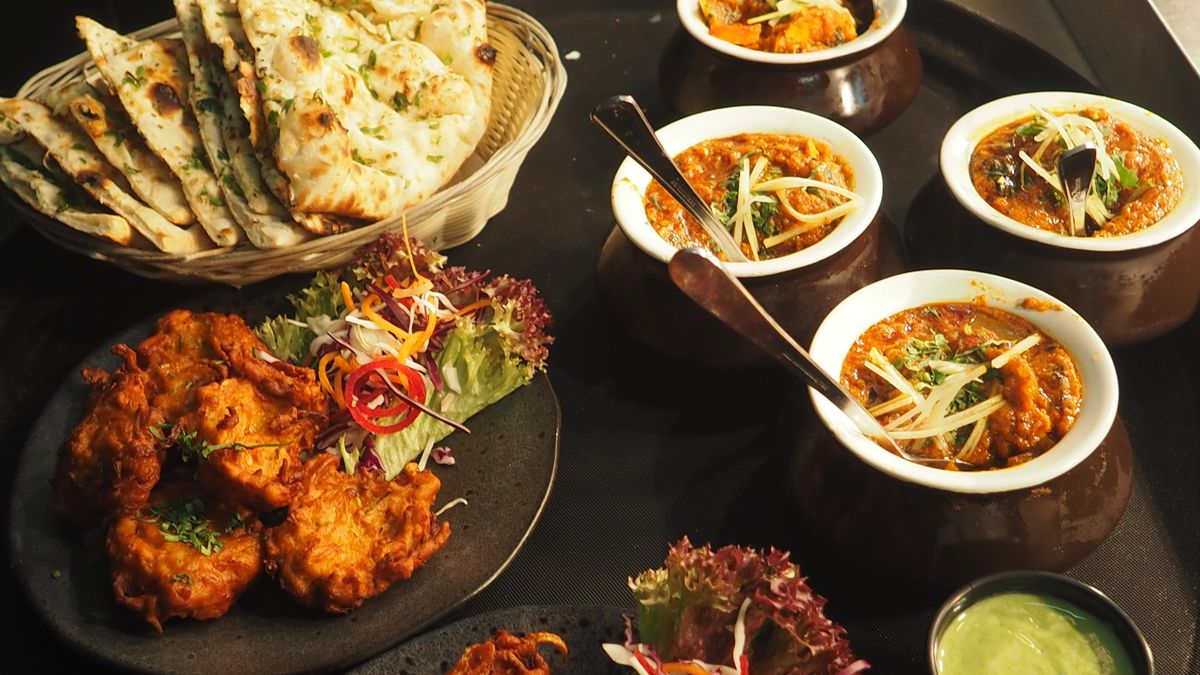
The price on the phone is the price on the bill.
03
The chef cooks what was tapped. Nobody has to shout the order.
04
They pay. Then the phone asks one question about the food.
On the guest’s phone
01
The café menu opens at the table. No waiting to be noticed.
02
Extras show their price on the screen, so the bill has no surprise.
03
The kitchen took the ticket. The table can see where the order is.
04
One screen for payment. Then one question about the food.
Table 07 · Dine-in
A Jaipur table
This is a sample. Tax is extra. The kitchen gets this same list.
Grill · KOT 1842
Table 07
Same order. Cold coffee goes to the drinks counter, not the kitchen.
Paid · Table 07
How was it?
Tap the stars. Five opens the Google card.
Tap the extras. Tap 5 stars to see the Google card.
Picture · the system
The code knows this table.
Chai, pav, samosa. Price included.
The same list, as a kitchen ticket.
UPI, card, or wallet, on the phone.
A public review, on Google.
The cafe’s offer. This meal, or the next.
Picture · the rating
Five
Only a full five stars goes public. A lower score stays private, with the manager.
Maps
A public star is how the next guest picks where to sit.
Room
The review brings them in. The table code takes the order.
Back
A free chai, or a few rupees off, set by the café.
The cafe loads the card
Examples only. The manager turns prizes on or off.
Who gets one
A public 5-star Google review. Four stars and below stay with the manager.
The discount is the cafe’s cost, paid to earn the public star.
One order, four desks
01
Menu, extras, pay, and review.
02
Those same items, on a ticket.
03
Tax and payment. Not a second list.
04
That order is already in the books.
Nobody copies the order by hand between these four. That is the product, in one line.
What the review is about
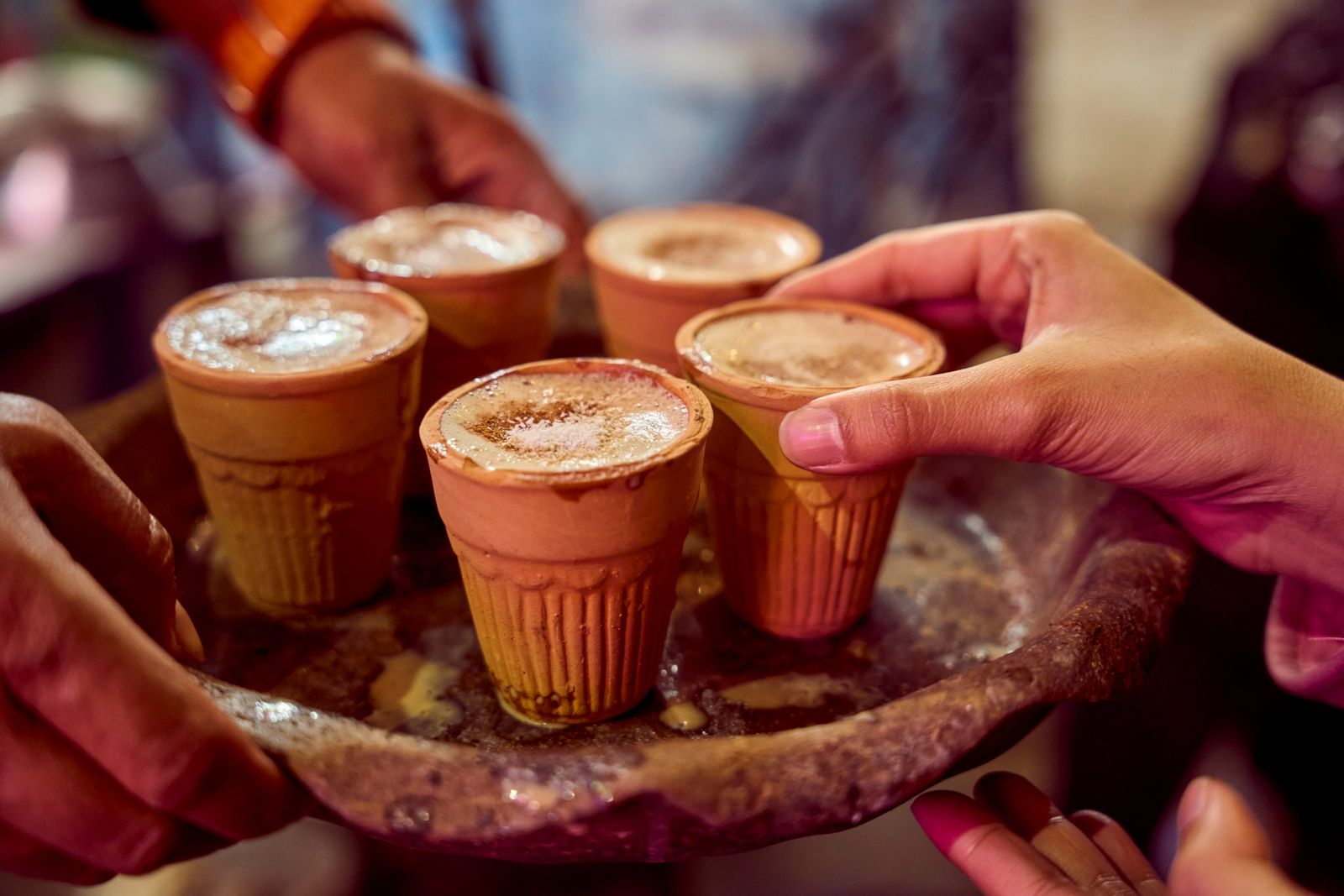
“Second kulhad, still hot. I did not have to wave at anyone.”
Kulhad masala chai
A sample. Not a real review.
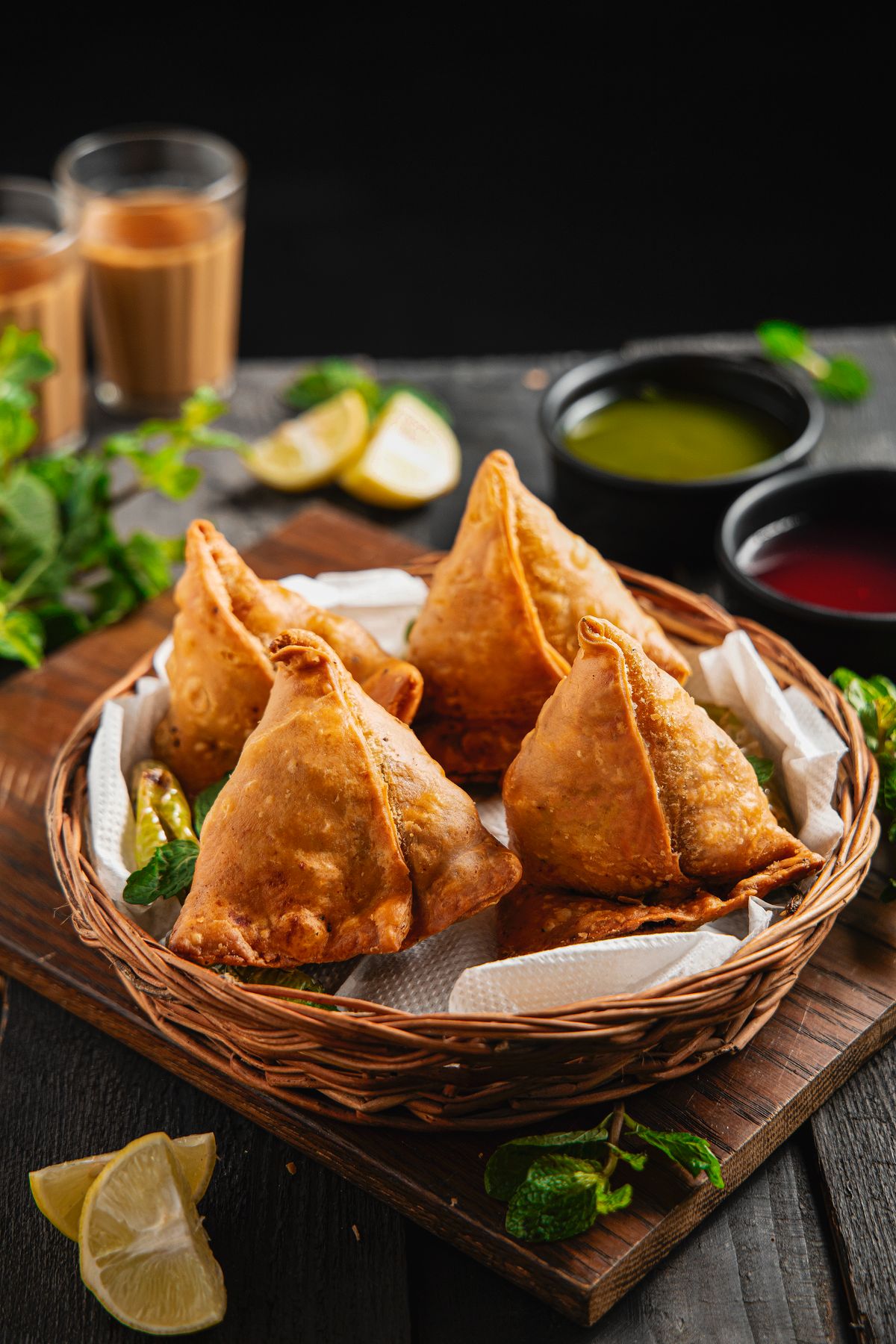
“Two samosas and the green chutney. We paid before we stood up.”
Samosa, mint chutney
A sample. Not a real review.
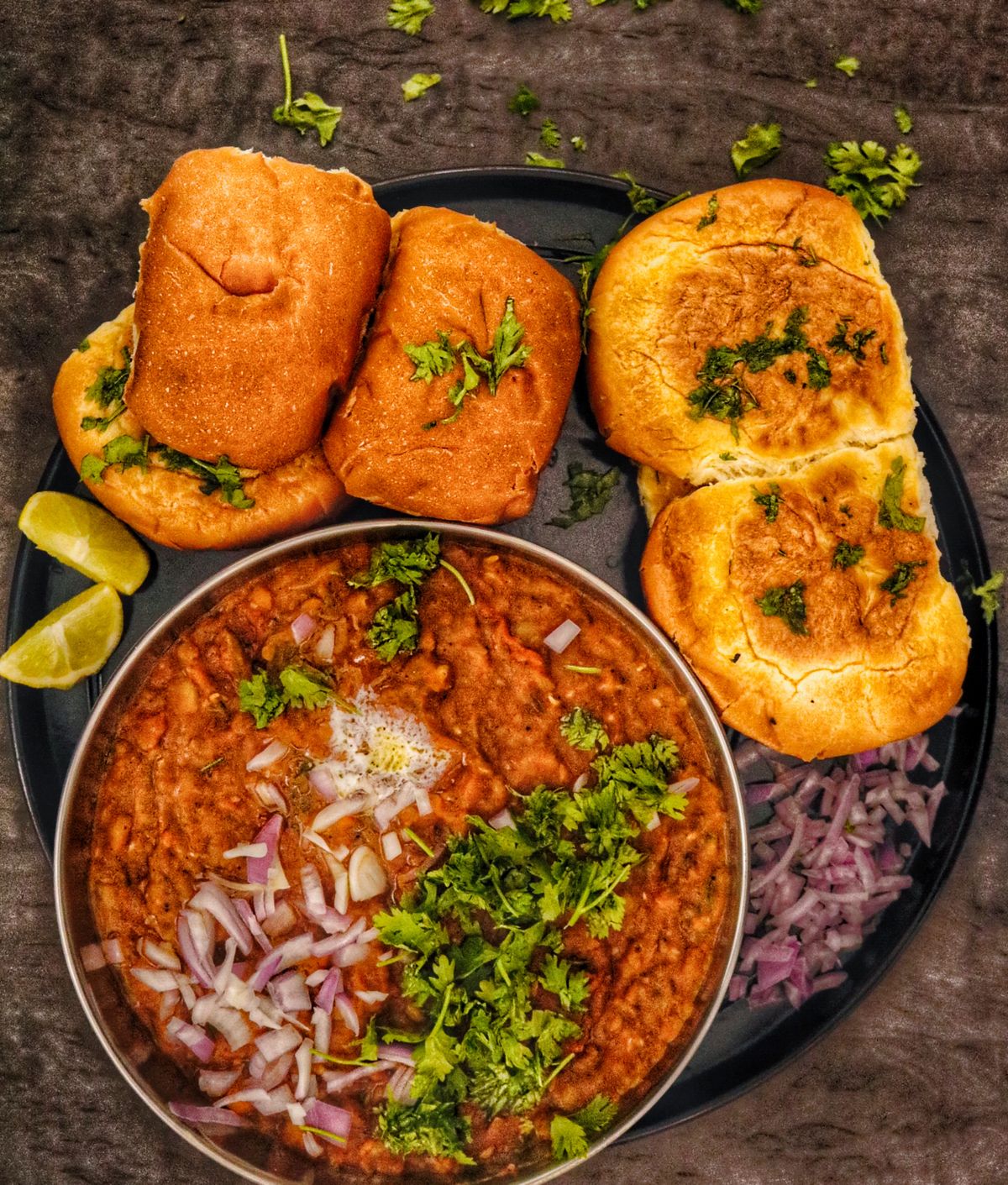
“Extra butter, extra onion. It arrived the way we ticked it.”
Pav bhaji
A sample. Not a real review.
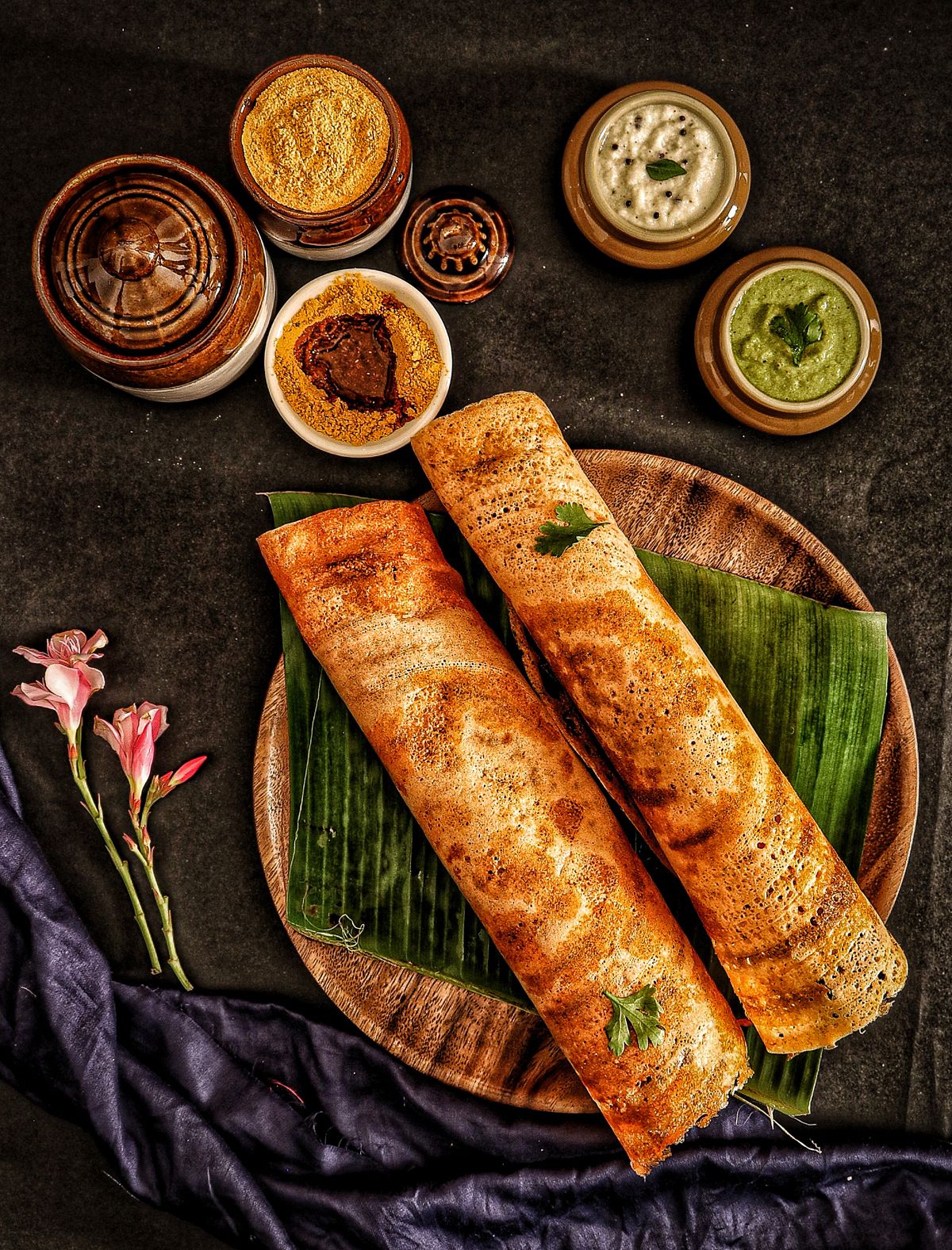
“Dosa, podi, and both chutneys. I picked the chutney on the phone. It was not a surprise at the table.”
Masala dosa
A sample. Not a real review.
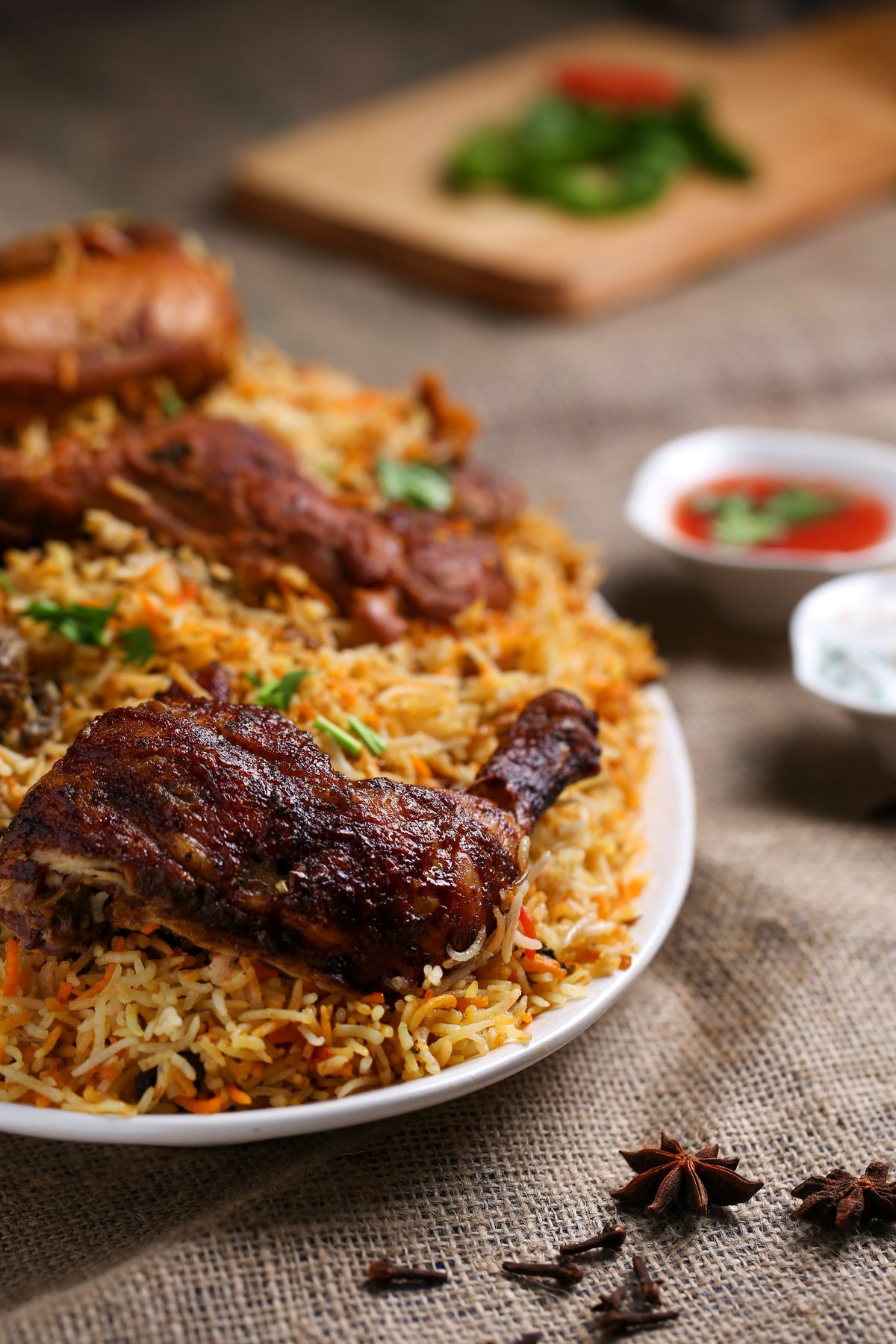
“One biryani for the table. One order. One bill. Nobody typed it again.”
Chicken biryani
A sample. Not a real review.
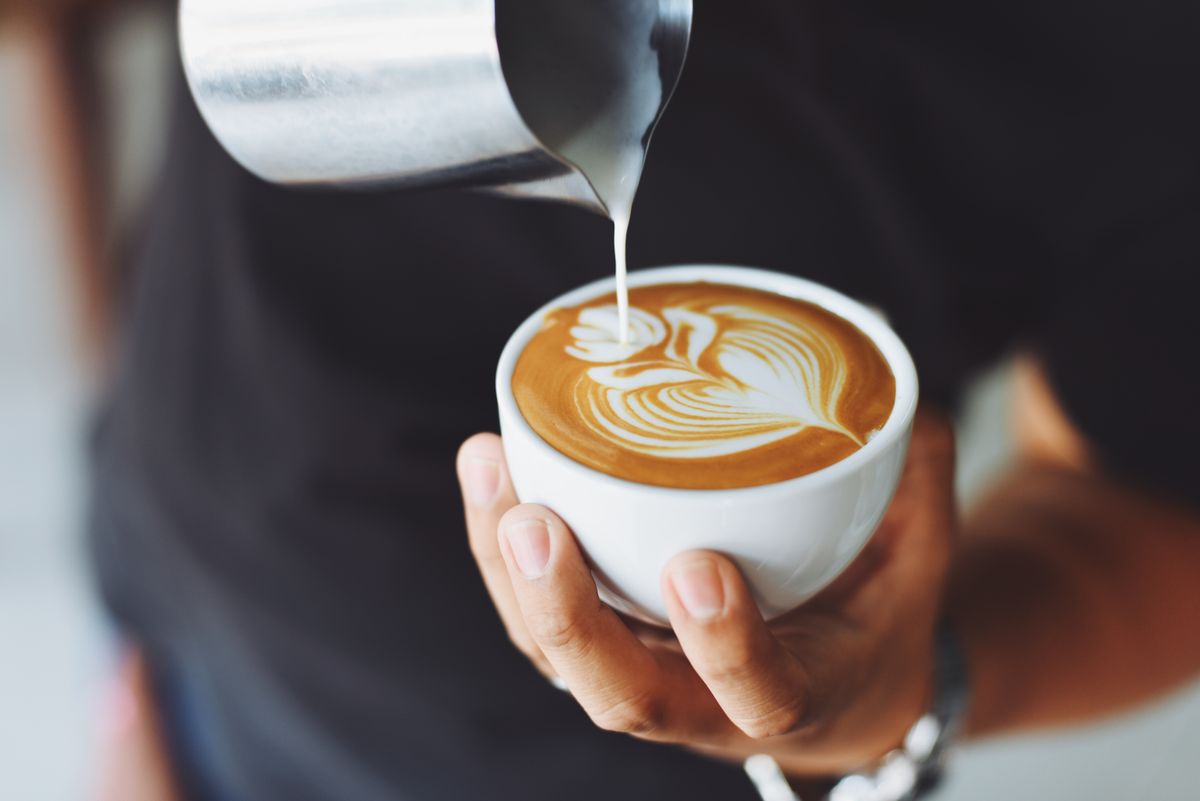
“The review was on the bill, not on a sticker by the door.”
Cappuccino
A sample. Not a real review.
04 · The system
The website, the guest’s phone, and the staff screens show the same menu and save the same order.
Website
Website
Menu, shop addresses, and offers. The same prices as on the table.
Customer waiting
Guest phone
Scan, order, pay, review. No app to download.
Staff
Staff
The same order. Nobody types it a second time.
The buttons below are the same change, one place at a time.
Owner
Settings and reports.
Manager
The dining room for the day.
Cashier
Bills, discounts, and refunds.
Floor
Tables and service. The waiters.
Kitchen
Tickets, and marking a dish finished.
Store
What you buy, and what you throw away.
Finance
Tax, payments, and refunds.
Guest
Menu, order, and pay.
Admin
Who can log in, and the first setup.

Today’s record
140
People
₹420
Usual bill
₹58,800
Sales
140 × ₹420 = ₹58,800. Tax on a bill is 5%.
KOT 1842 · Sample orders, not the whole day
05 · Money
Each one is small. None of them needs a new guest to walk in the door.
They stay fixed on this part of the page. In Numbers you can move them. If seats stay empty, the +8% is not counted. Month 1 and month 2 count no extra from reviews.
Guests order on the phone at the table first. The counter uses that same order. Stock starts only after the recipes are real. A second shop uses the same system.
+16%
Phone orders only. The bill is 16% bigger. A ₹420 bill becomes about ₹487. Waiter orders stay the same.
+8%
Only if people are waiting and every table is full. About 8 more groups for every 100. If seats are empty, this stays at zero.
1.8%
About ₹1.80 in every ₹100 was served and never billed. That amount is added to the bill.
Month 3
Month 1 and month 2 add nothing from reviews. It starts in month 3. The full effect is in month 8.
Picture · the month
One café. 140 people a day. Usual bill ₹420. Open 26 days. This is month twelve, with every table full. The base column is the business you already have: ₹15,28,800 a month. Change any of it in Numbers.
Today
With the QR
01
The extra chai and the chutney are on the screen, so more people add them.
02
They order and pay without waiting. More groups only count if people are already waiting for a seat.
03
What left the kitchen is what was charged.
04
Asked on the bill. Counted from month three, not from day one.
05
Waiters stop walking the menu from table to table.
06
Same system. A new shop. Not a second set of account books.
06 · Numbers
The sums are for one month. The highlighted line is how much more the owner keeps over the year. Extra groups count only if guests are waiting for a table.
Sales you already have stay as they are. In this example that is 140 people × ₹420 × 26 days, about ₹15.3 L a month. The QR adds four extras on top. Each line below is one month. The blue line is the extra the owner keeps over the year.
01
Bigger phone bills
The guest sees photos and can add a drink or a side. Only phone orders grow. Waiter orders stay the same size.
02
More groups
They order without waiting, so the table frees up. This counts only if every table is full and people are waiting. Empty seats add nothing.
03
Items put back on the bill
A side that was served and never written down is now billed. Food cost is not taken off this part.
04
Reviews
The phone asks for a Google review. That can bring a few more people from month 3. Month 1 and 2 count none. Full effect is in month 8.
Month 1 counts 40% of the extra. Month 2 counts 75%. From month 3 it counts all of it, apart from reviews, which grow until month 8. Food cost comes off the extra food. What you get back is a part of one person’s month pay. Staff are paid for the month, not by the hour. A payment fee comes off only if you switch it on. The work still starts at the table. Stock waits until the recipes are real. This is an example, not a promise, and it is not our price.
An example, not a forecast. Put in your own cafe. Prices are before GST.
Today
People in a day, times the usual bill, times days open. The QR extra is added on top of this. It does not replace it.
₹15,28,800 this month, before any extra
01 · Bigger bills
They see photos and can add a drink or a side. Only these orders get bigger. Orders taken by the waiter stay the same size.
Adds ₹1,58,995 in a settled month
02 · More groups
They order and pay without waiting for the waiter, so the next group can sit. If seats are empty, this adds nothing.
Adds ₹1,35,024 in a settled month
03 · The bill matches
A side or a drink that was served and left off the bill is now on it. Food cost is not taken off this part.
Adds ₹27,518 in a settled month
04 · Reviews
After they pay, the phone asks for a Google review. Month 1 and month 2 count none of this. The full effect is in month 8.
Adds ₹50,634 in month 12
What you keep
Food cost comes off the extra food only. What you get back is a part of one person’s month pay. Staff are paid for the month, not by the hour. A payment fee comes off only if you switch it on.
Left in a settled month: ₹2,69,695
How fast a cost comes back
This is not our price. Type a cost to see how many months the extra profit takes to cover it.
Every table full · one month
₹2,69,695
Left with you in a full month, after food cost. Extra sales that month are ₹3,72,171, 24.3% above the ₹15,28,800 you already make.
More the owner earns in the year
₹28.8 L
The twelve months added together, after food cost. Month 1 and month 2 are smaller, so this is not twelve times the month above.
Month 12, when the café is fully using the QR. Move a slider. These amounts follow.
Extra sales this month: ₹3,72,171
Not your final profit. Rent, a franchise share, and the fall in value of machines stay where they are.
Twelve months
The café you already run is not in this chart. The bars are only the extra. Month 1 counts 40% of it. Month 2 counts 75%. Reviews begin in month 3.
Sales today = shops × people a day × usual bill × days open.
Bigger bills = sales today × the share of orders on the phone × how much bigger those bills are × how far the café has started using it. Month 1 counts 40%. Month 2 counts 75%. From month 3 it counts all of it.
Extra groups, only when every table is full = sales today × the extra-group rate × (1 + phone share × bigger-bill rate) × how far the café has started using it. If seats are empty, this line is zero.
Money put back on the bill = sales today × the missed-charge rate × how far the café has started using it. Food cost is not taken off this part. Reviews add people from month 3 and reach the full rate by month 8.
What stays with you this month = (bigger bills + extra groups + reviews) × (1 − food cost) + money put back on the bill + the part of one person’s month pay you set above − the payment fee, and only if that fee is switched on. The highlighted year figure is those twelve months added together.
07 · The plan
Guests can order while you are still writing recipes. Stock waits until the recipes are real.
When the table and the counter work, guests order and pay on the phone. The extra in Money is the bigger phone bills, more groups when the room is full, bills that match, and reviews from month 3.
This part of the page has no rupee total. The example totals stay in Numbers. They change only when you move those sliders. Month 1 counts 40% of the extra. Month 2 counts 75%. From month 3 it counts all of it, apart from reviews.
Start at 00 · stock waits for 03
00
Menu, tables, tax, and who can refund. Then a price. This page is not that price.
01
Guests scan, order, pay, and review. The kitchen gets the ticket.
02
Bills, discounts, receipts, and refunds stay on that same order.
03
Not before. Stock without real recipes would be made up.
04
A second shop on the same system. A phone app only if you want one.
The guest’s phone
What the guest sees
Start here
What the kitchen sees
When recipes are real
What stock shows
Sample. Real amounts, such as grams.
Done means a new guest can order, the kitchen can cook it, and the bill matches.
08 · Contact
Tables, food orders, stock, and payments. That is the work behind this proposal.
Sales
Lashika Kaushik
Sales Director
One Touch Technology Solutions
+91 95213 33881sales@onetouchsoft.comEvery figure in this document is hypothetical and published for reference only. The revenue projections, percentages, rupee amounts, and timelines are illustrative models calculated from the example inputs shown in Numbers — one sample cafe — and not measurements taken from your business. They are not a forecast, an estimate, or a representation of what your cafe will earn or save.
Actual results depend on your menu, pricing, footfall, staffing, payment mix, and local market conditions, and may differ substantially or be negative. Nothing here is a quotation, an offer, a warranty, or a guarantee of performance, and nothing here creates any contractual, financial, or other legal obligation on One Touch Technology Solutions or on the reader. Scope, pricing, and commercial terms are agreed separately in writing.
Dish names, prices, bills, ticket numbers, table numbers, reviews, and reviewer names shown in the screens and graphics are fictional samples used to demonstrate the interface. Any reliance placed on the contents of this document is strictly at the reader’s own risk.
One Touch Technology Solutions · Jaipur · September 2026